
Analyse routine health facility data on your computer
DataSuite is the data analytics platform of the Countdown to 2030 initiative. It takes routine data from DHIS2DHIS2 District Health Information Software 2, the software most countries use as their health management information system (HMIS); health facilities' monthly reports are entered in it, and the facility data workbook is exported from it., checks and adjusts it, and compares it with household surveys to track women's, children's and adolescents' health, nationally and by region.
Built for data analysts, researchers and public health professionals. Free and built on open source.
What you can do
Map DHIS2 data to indicators and save it as a workbook.
Find gaps, outliers and inconsistencies, then correct the data.
Compare population sources and pick the most plausible one.
Coverage by year, gaps between groups, and progress to targets.
Check facility deaths and how complete their reporting is.
Service use, and the inputs and outputs of the health system.
Put several countries' saved datasets side by side.
Word and PowerPoint reports, and the AI assistant on any chart.
How it works
Data moves from one app to the next. Each app saves a file that the next one opens.
flowchart LR
  D[("DHIS2 server")] --> X["Data Extractor"]
  X -- "Excel workbook" --> A["RMNCAH or Vaxx app"]
  A --> O["Reports, charts, tables"]:::done
A -- "saved dataset (.rds)" --> P["Pooled app"]:::optionalThe apps
Get routine data out of DHIS2, ready for the analysis.
Analyse reproductive, maternal, newborn, child and adolescent health.
Analyse immunization coverage and inequalities.
Compare several countries or datasets in one file.
Learn the method
The analysis step by step, from data quality to dissemination.
The HMIS variables the analysis needs, by data category.
What differs in the method between the two analyses.
The terms the methodology uses, and where each is defined.
Get help
Answers on installing, the Data Extractor, loading data and reports.
What changed in each version, and what is coming next.
What the assistant does, and how to write good prompts.
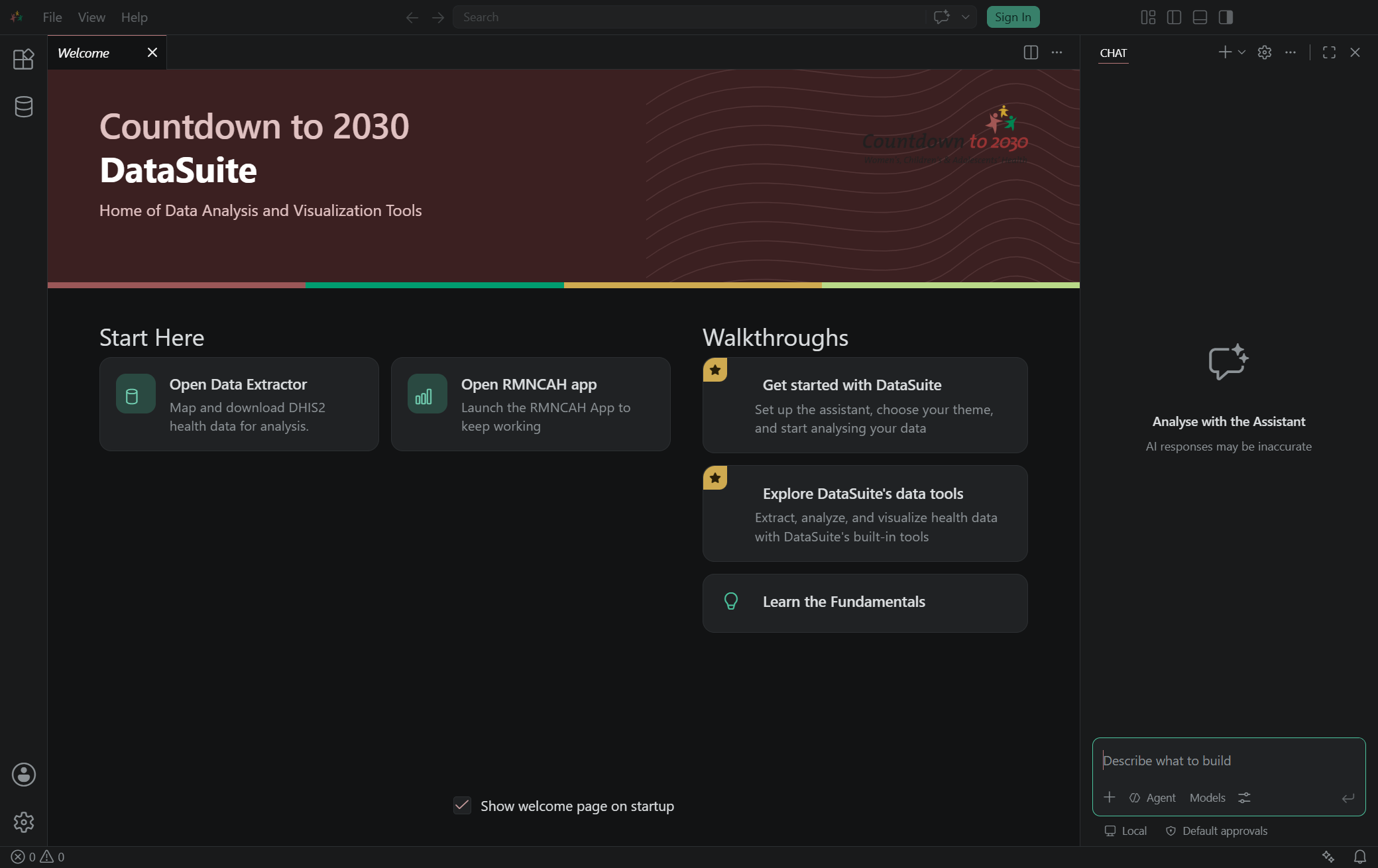
A tour of the DataSuite window and its Welcome page.