
DataSuite documentation
Install DataSuite, learn the Countdown method and use the apps that analyse routine health facility data.
Analyse your health facility data, step by step
DataSuite brings the Countdown 2030 analysis to your computer. Get the data out of DHIS2DHIS2 District Health Information Software 2, the software most countries use as their health management information system (HMIS); health facilities' monthly reports are entered in it, and the facility data workbook is exported from it., check and adjust it, then estimate coverage and share the results.
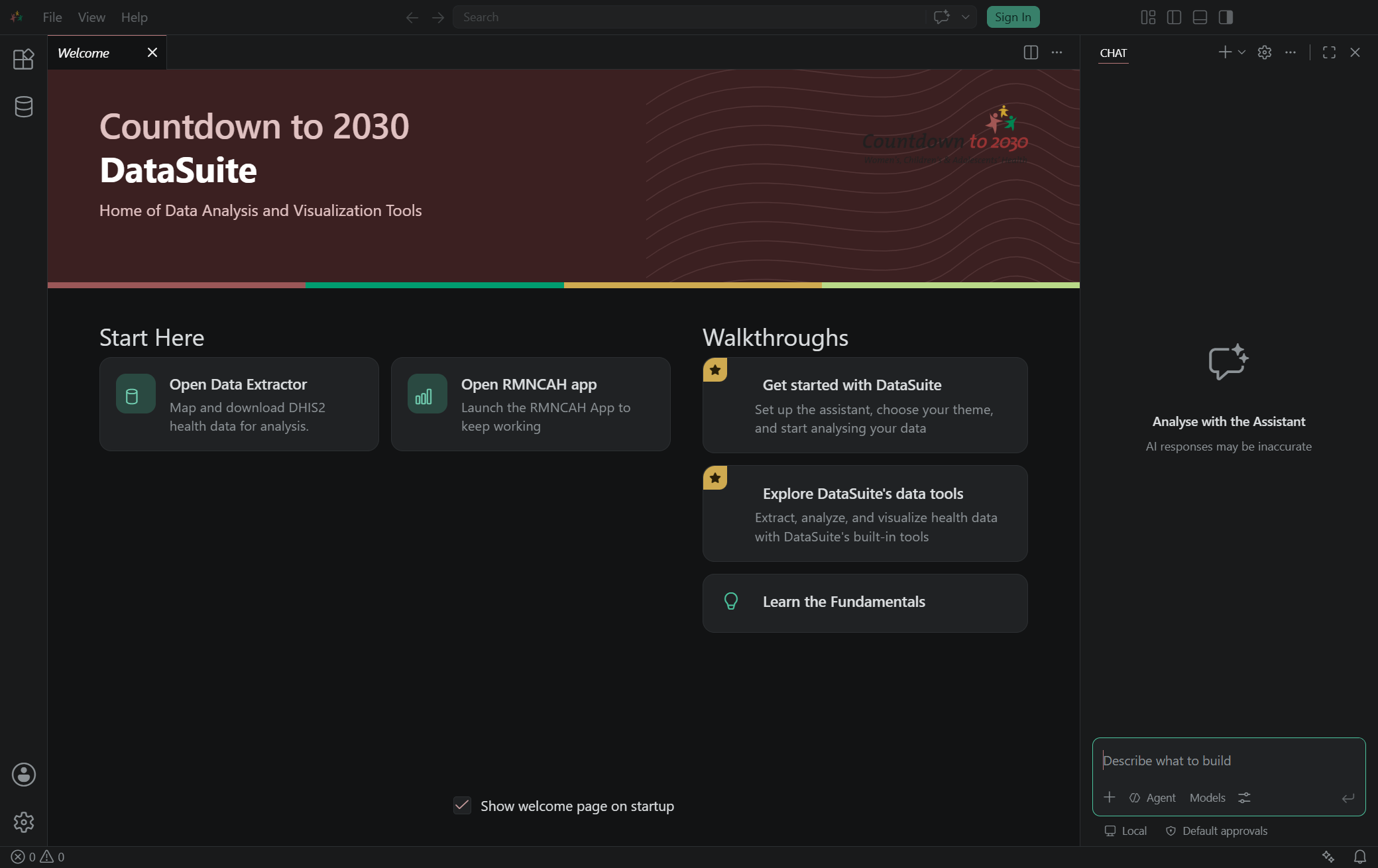
Get started
Download DataSuite for Windows.
Install and set up DataSuite on your computer.
A step-by-step tour of the key features.
Use DataSuite in English, French or Portuguese, light or dark.
Add apps and tools from the DataSuite registry.
Methodology
The Countdown methodology is the analysis itself: each step, how it is done and how to read the results.
The analysis step by step, from data quality to dissemination.
The order of the analysis, from loading data to sharing results.
Look things up
What an indicator, a term or an abbreviation means, and how the two analyses differ.
The HMIS variables the analysis needs, by data category.
What differs in the method between the two analyses.
The abbreviations and acronyms the documentation uses.
The terms the methodology uses, and where each is defined.
Learn about the apps
Extract and prepare DHIS2 data for analysis.
Analyse immunization coverage and inequalities.
Analyse reproductive, maternal and child health indicators.
Put several countries' saved datasets side by side.
What the assistant does, and good practice for AI.
Privacy
By default, DataSuite auto-updates to new versions, and does not collect usage data or crash report information.